Set up AWS Marketplace and co-sell from one AWS Partner Central card
Last updated: November 2, 2026
Overview
Until now, connecting AWS to Clazar took two separate setups, the AWS Marketplace card and the AWS Co-Sell card, each with its own CloudFormation stack. The new AWS Partner Central card on the Integrations page brings both into one connection.
Value it drives
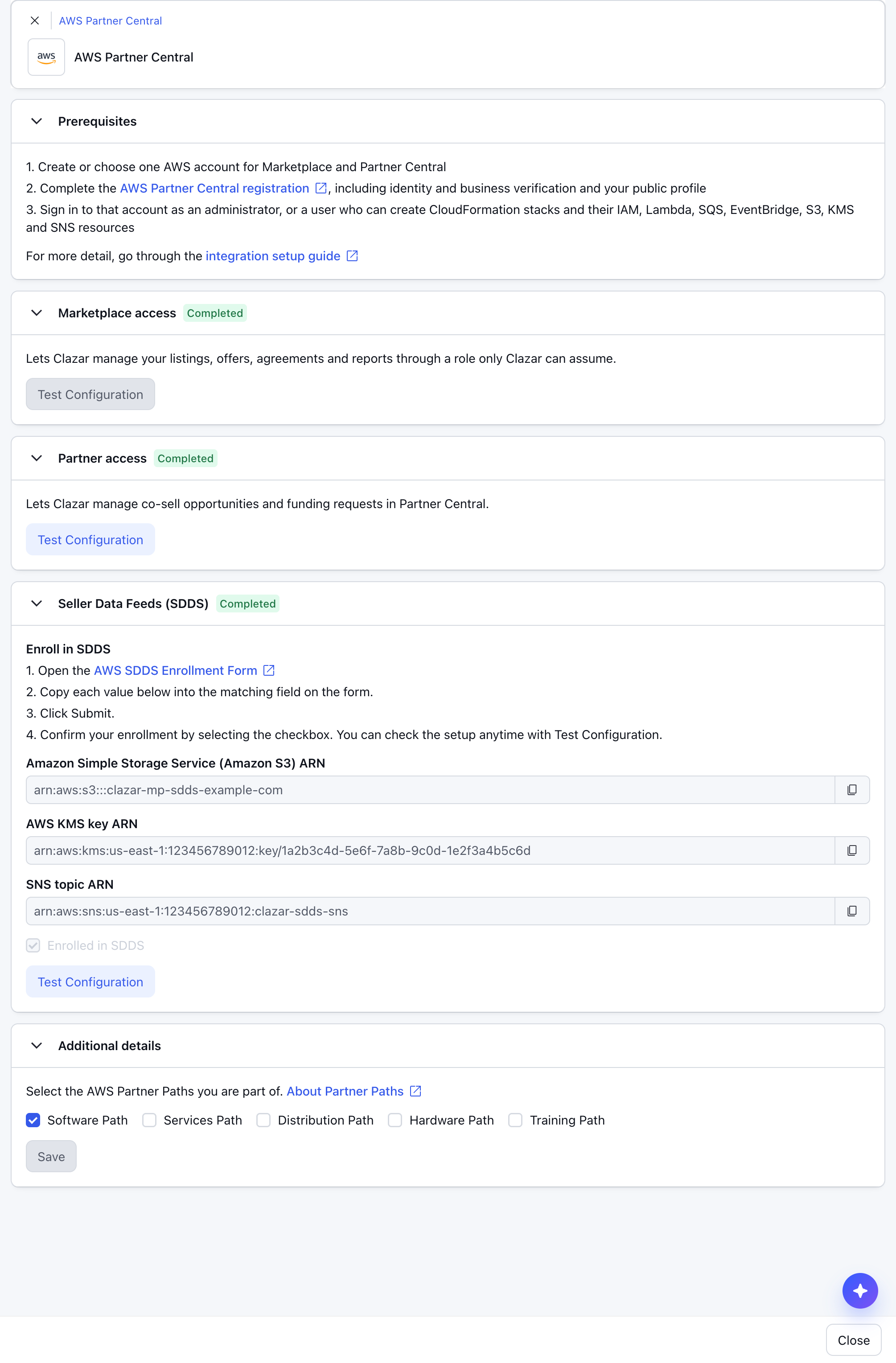
One connection for both businesses: The AWS Partner Central connection covers AWS Marketplace (listings, offers, agreements, metering, disbursements) and Partner Central (co-sell opportunities and funding requests).
Stacks that fill in and finish on their own: Each tile opens AWS CloudFormation with every parameter filled in, and reads Completed by itself once the stack reports back.
Your existing setup carries over: If you already launched Clazar's stacks from the older cards, the matching tiles read Completed right away. Nothing has to be launched again.
No re-runs when AWS adds features: The roles use AWS's own managed policies, so new AWS capabilities reach Clazar without a new stack.
How to get started
Open the card: On the Integrations page, open AWS Partner Central and choose Add Connection. The connection opens with its tiles.
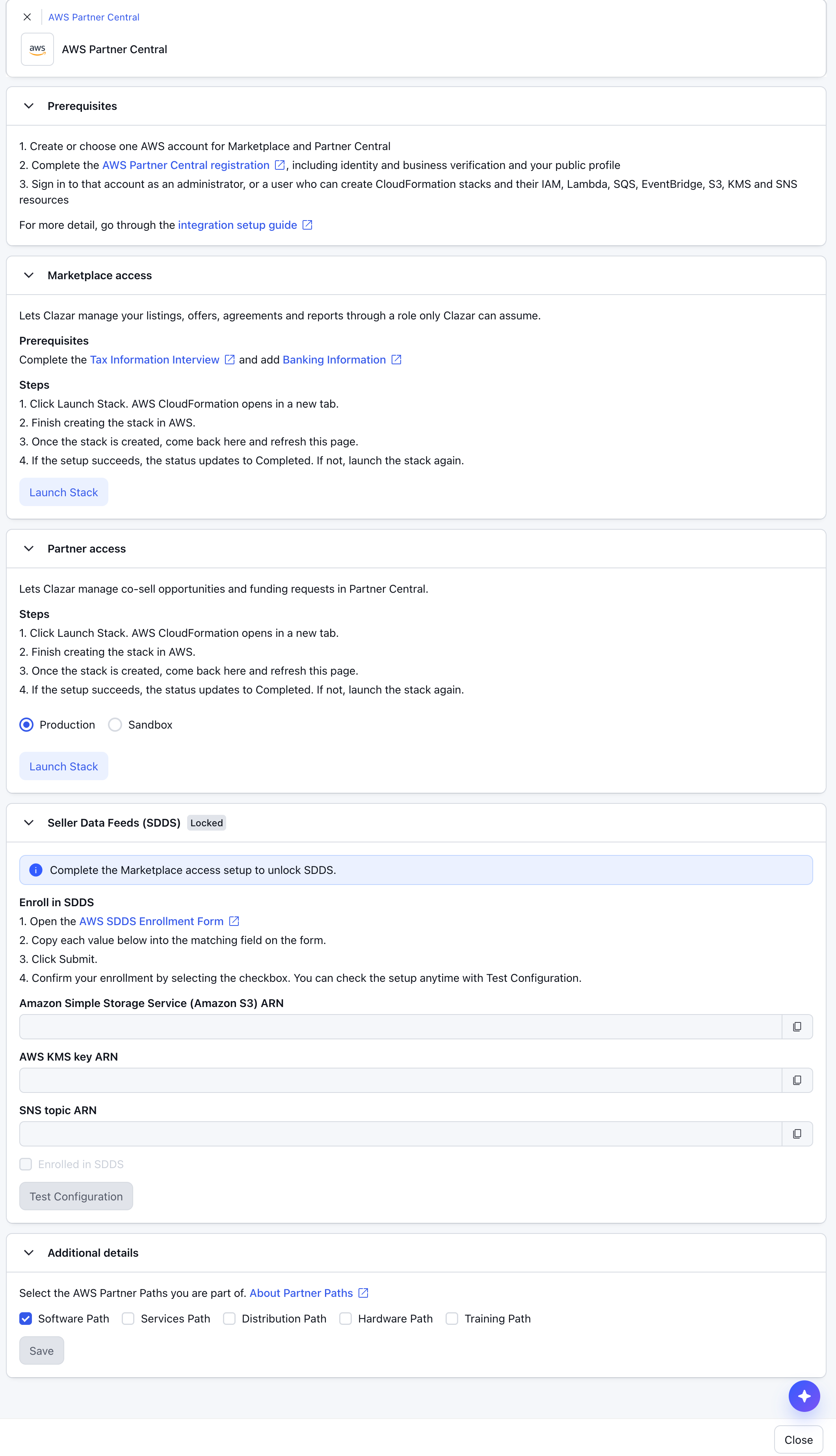
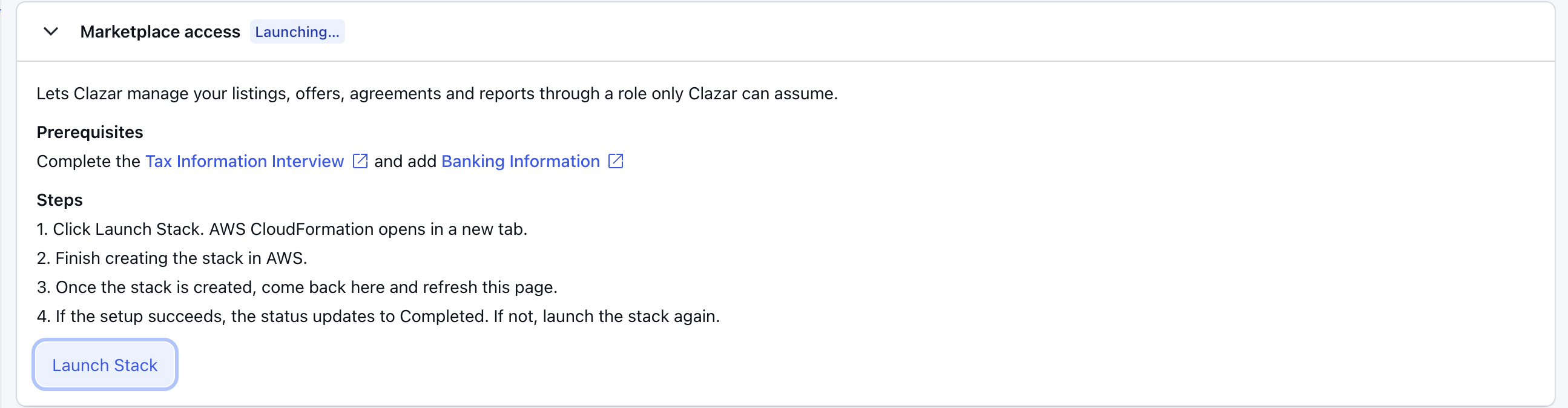
Launch both tiles: Follow the AWS Partner Central integration guide to launch each stack and enroll in Seller Data Feeds.
Things to note
Already using the AWS Marketplace or AWS Co-Sell card? If you had already set up either card, an AWS Partner Central connection has been created for you, and whatever you completed on the older cards already reads Completed on it. Those cards are being retired. Their settings, including Default Reseller Accounts, now live on the AWS Partner Central card. We recommend using the AWS Partner Central card from now on. New AWS capabilities ship only there.
Only one AWS account: Clazar connects a single AWS account to your Clazar account, so launch every stack while signed in to that account.