JumpCloud Integration Guide
Last updated: June 17, 2025
Overview
Connect your JumpCloud account to Clazar to automatically identify SaaS applications used across your organization. Clazar leverages the JumpCloud API to detect all managed apps configured in your JumpCloud environment. This integration offers a unified application inventory, highlights shadow IT, and delivers valuable license optimization and security assessment insights.
Connection Setup
Prerequisites
Administrator access to your JumpCloud account.
JumpCloud Free, SSO, Core Directory, Platform, or Platform Prime package.
Integration Steps
Create a JumpCloud API token in your JumpCloud admin console. The API token can be created from "My API Key" under your profile picture icon on the top right.
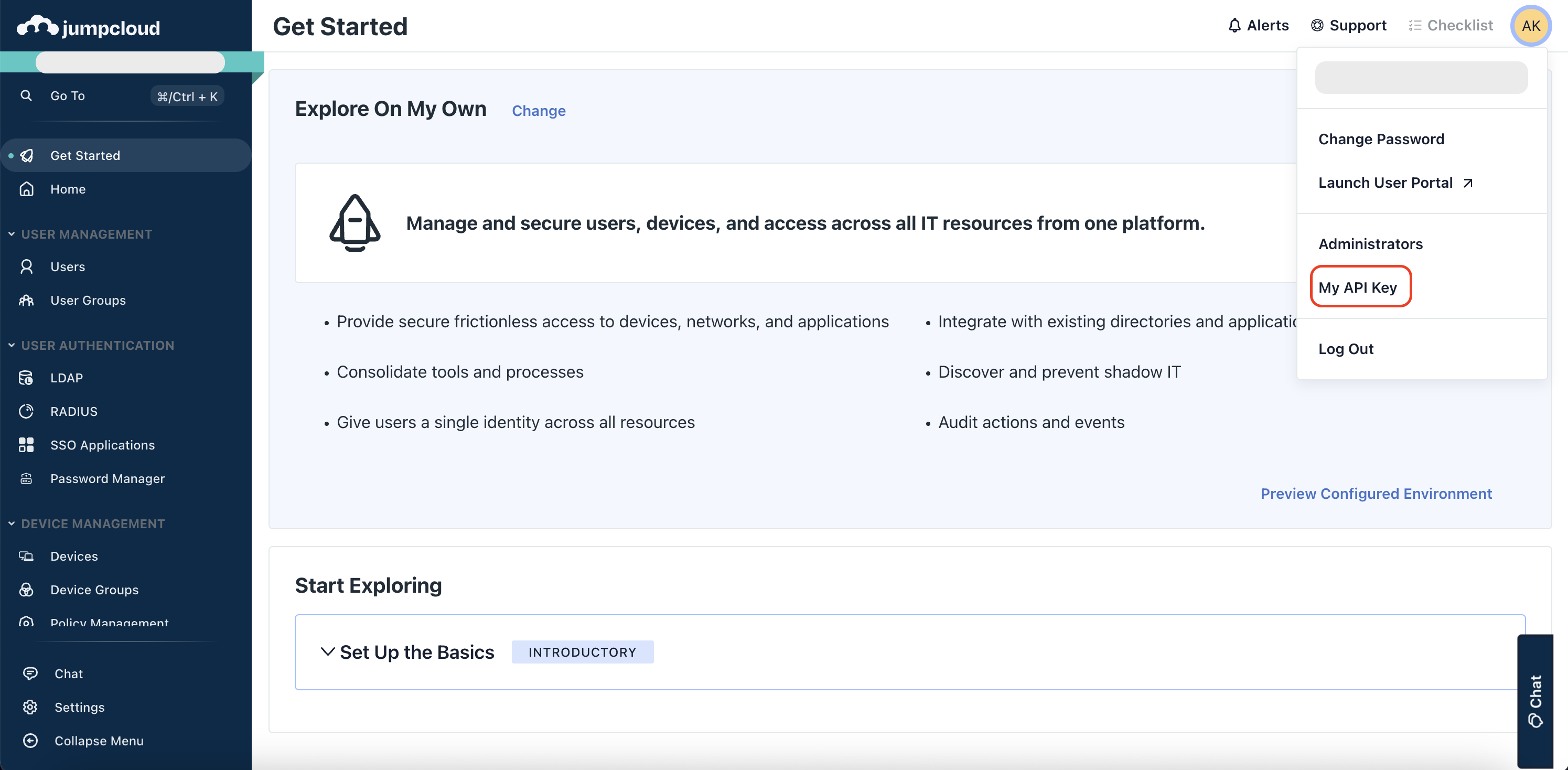
Generate and copy the new API key in your JumpCloud admin console.
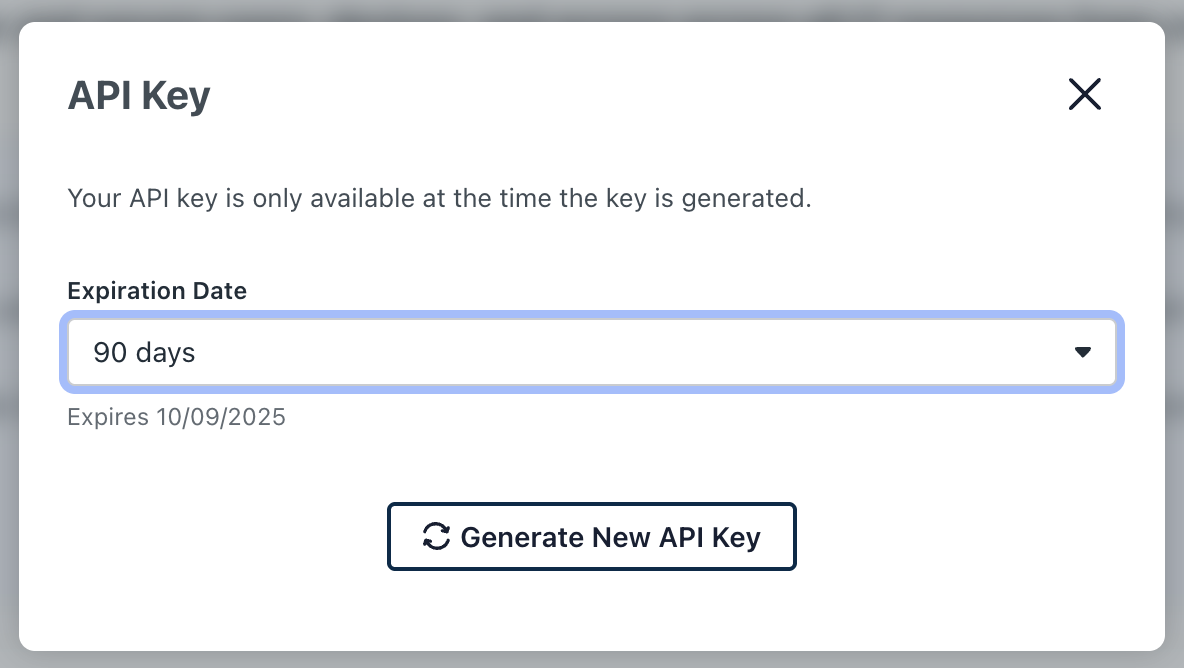
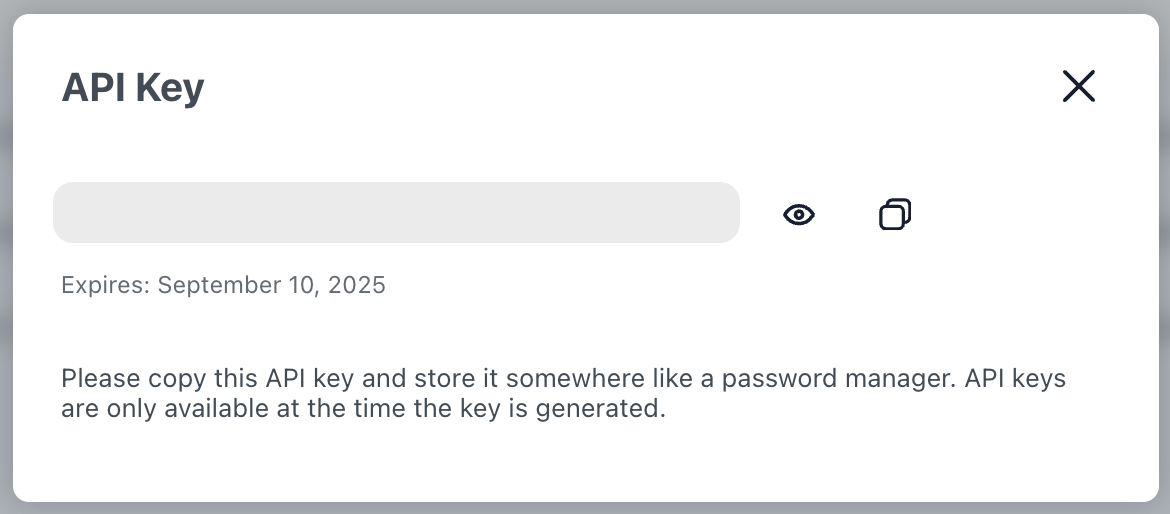
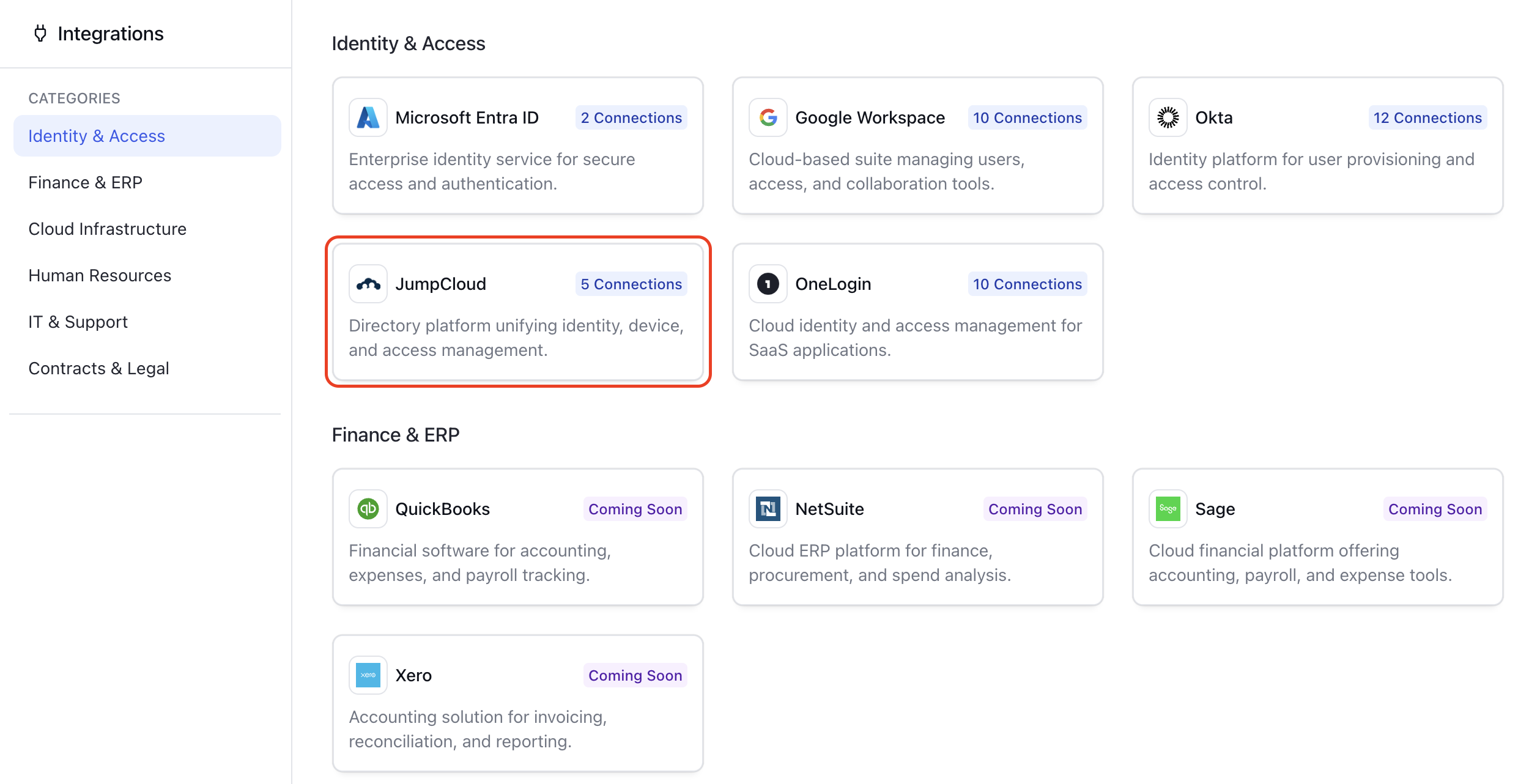
Go to the Integrations and select JumpCloud in your Clazar app.
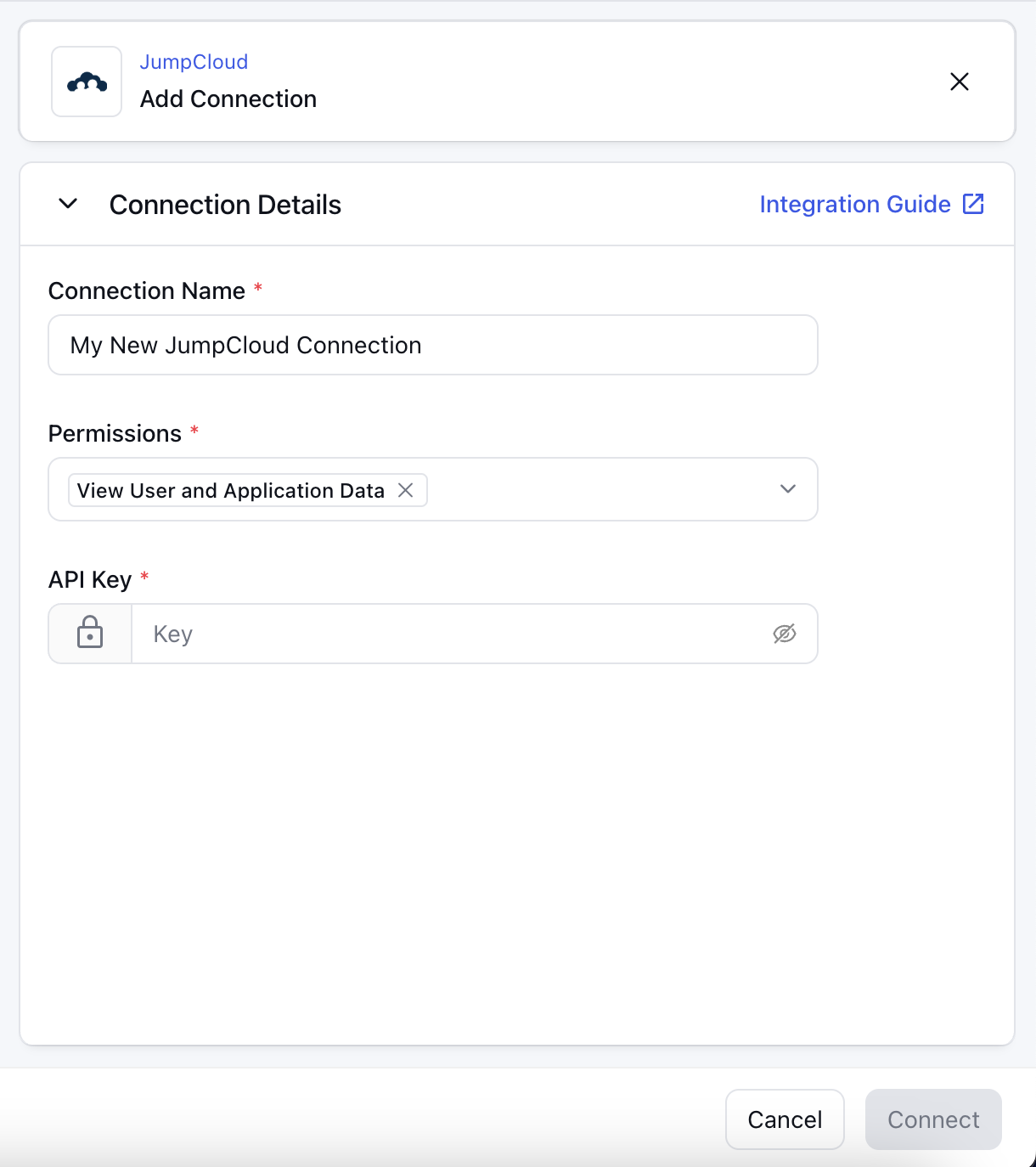
Click on the "Add Connection" button and fill in the details. Paste the API key generated earlier in your JumpCloud admin console. Then click "Connect" at the bottom right.
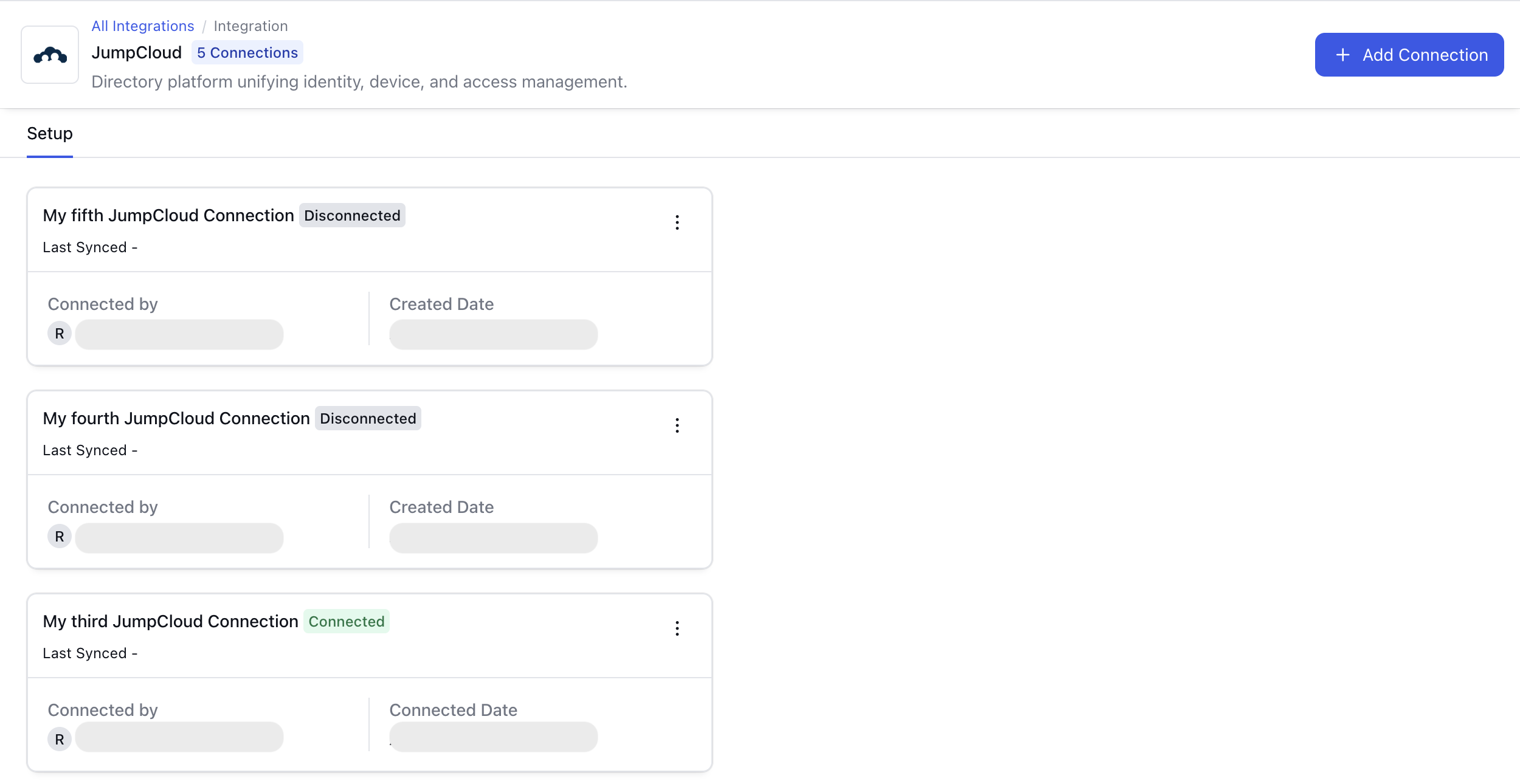
Your connection will be visible on the JumpCloud integration details page.
Release Notes
Version
Date
Notes
1.0
May 2025
Create connections with your JumpCloud account.
Read application details.