Report Campfire invoice overage to AWS Marketplace without manual effort
Last updated: November 17, 2026
Overview
If you bill your customers in Campfire, reporting their overage to AWS Marketplace meant copying amounts from each invoice into Clazar by hand. Clazar now connects to Campfire. Overage on your Campfire invoices is reported to AWS Marketplace automatically, without any manual effort.
Value it drives
No manual metering: Clazar reads your Campfire invoices and reports each invoice's overage to AWS Marketplace for you.
Prepaid commitments are never billed twice: Clazar meters each invoice's overage, net of credit memos.
Contracts matched for you: Marketplace agreements are matched to their Campfire contracts automatically through the Salesforce opportunity.
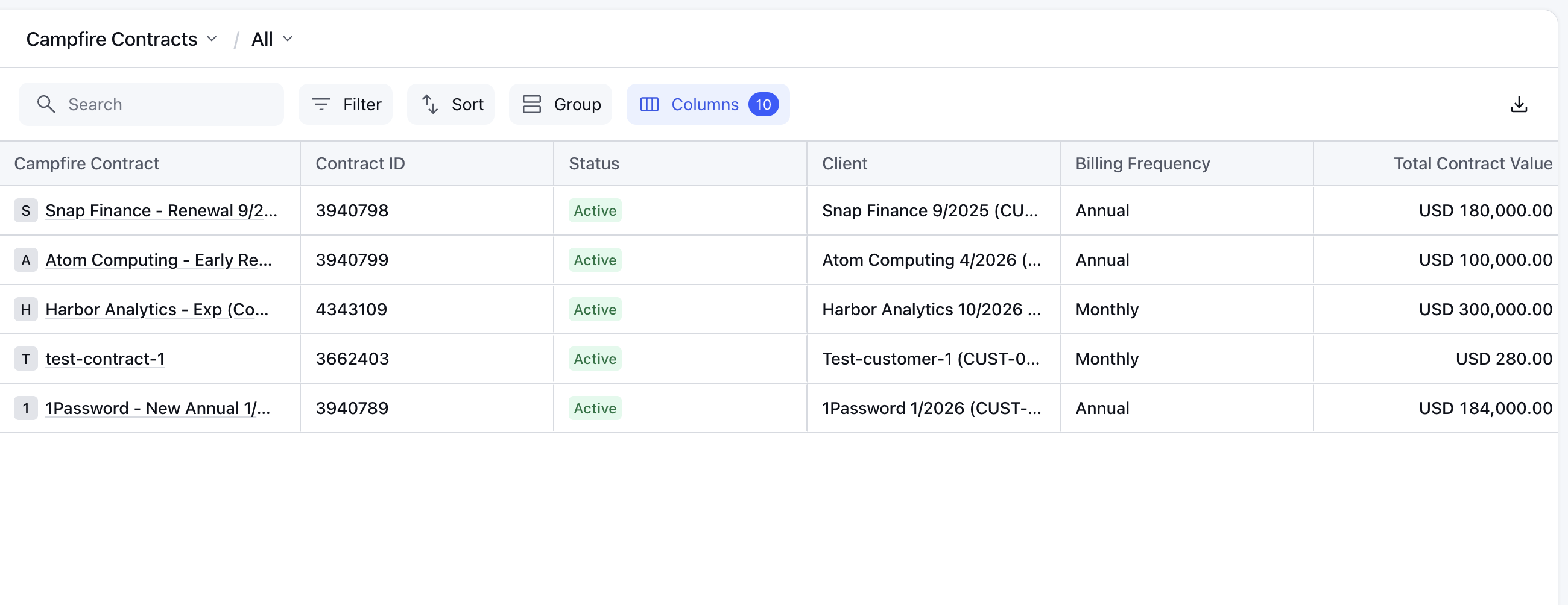
Campfire records in Clazar: Explorer has two new lists, Campfire Contracts and Campfire Invoices.
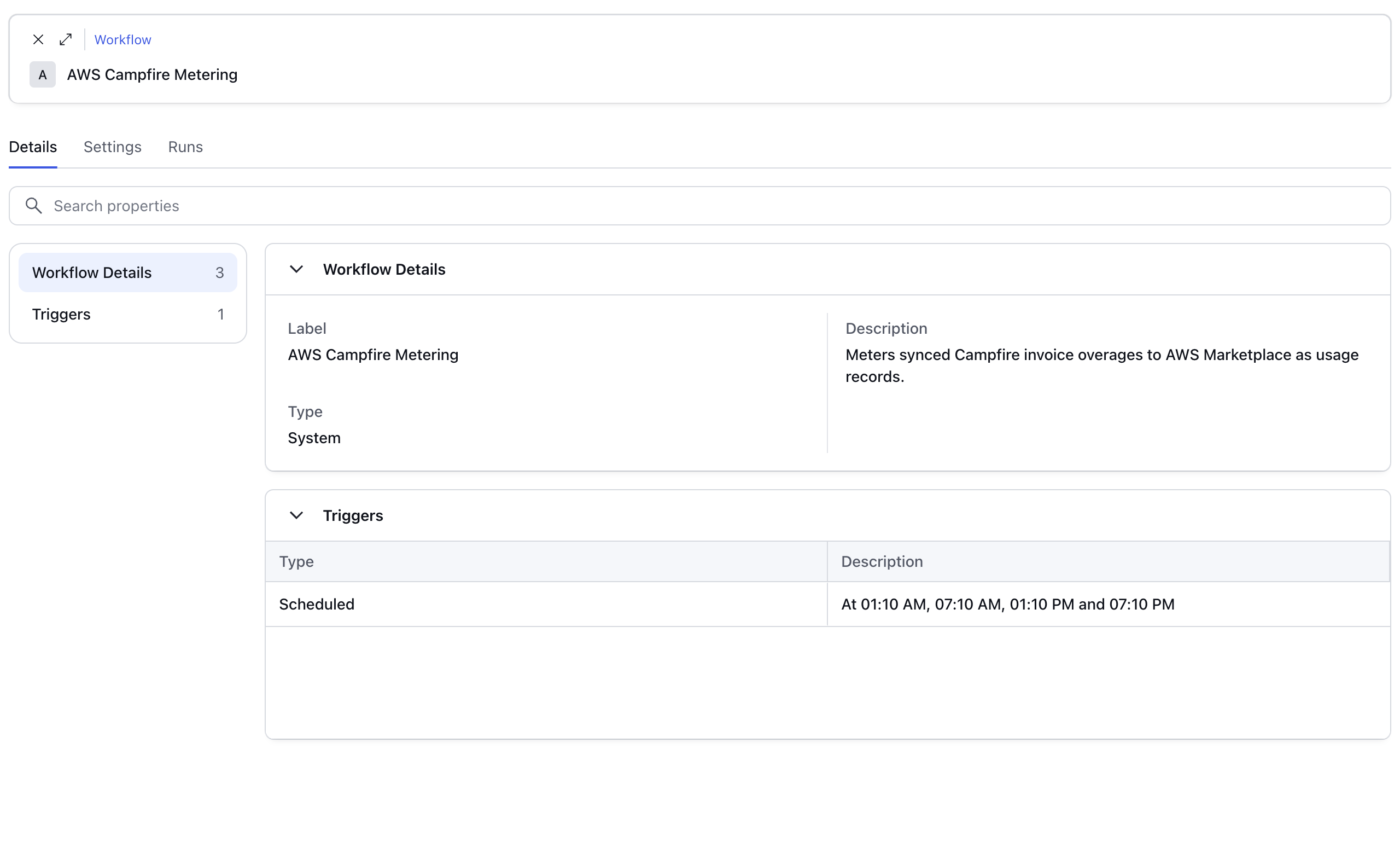
Track metering in Workflows: Campfire metering runs as a system workflow, AWS Campfire Metering, on the Workflows page, so you can see ->
Runs: See every run and the usage records it sent to AWS Marketplace.
Settings: See your start date and the rules that decide which invoices are reported.
How to get started
Connect Campfire: In Integrations, select Campfire and enter a view-only Campfire API key.
Map your listings: Map each AWS listing to its usage dimension.
Turn on metering: Contact your Clazar team to choose your start date.
For the full steps, see Set up the Campfire integration.
Things to note
AWS Marketplace only: Campfire metering reports to AWS Marketplace for now.
Sent invoices only: Clazar meters only invoices with the status Sent, and only at least 48 hours after they are sent. Partial and paid invoices are held for review. Draft, open, uncollectible and voided invoices are never reported.
Settings are managed by Clazar: You can view the metering settings on the Settings tab, but you can't edit them yet. To change your start date, contact your Clazar PoC.
Available on request: The Campfire integration is enabled per account. To get it turned on, contact your Clazar PoC.