Slack Integration
Last updated: August 6, 2025
Clazar provides Slack integration designed to keep sellers continuously updated on the status of their listings and buyer activities. By enabling this integration, sellers gain access to real-time notifications that offer valuable insights into their marketplace listings, including updates on listing status, new buyer information, modifications, and cancellations. These notifications are seamlessly delivered to sellers' designated Slack channels, ensuring they stay connected and well-informed throughout the sales process.
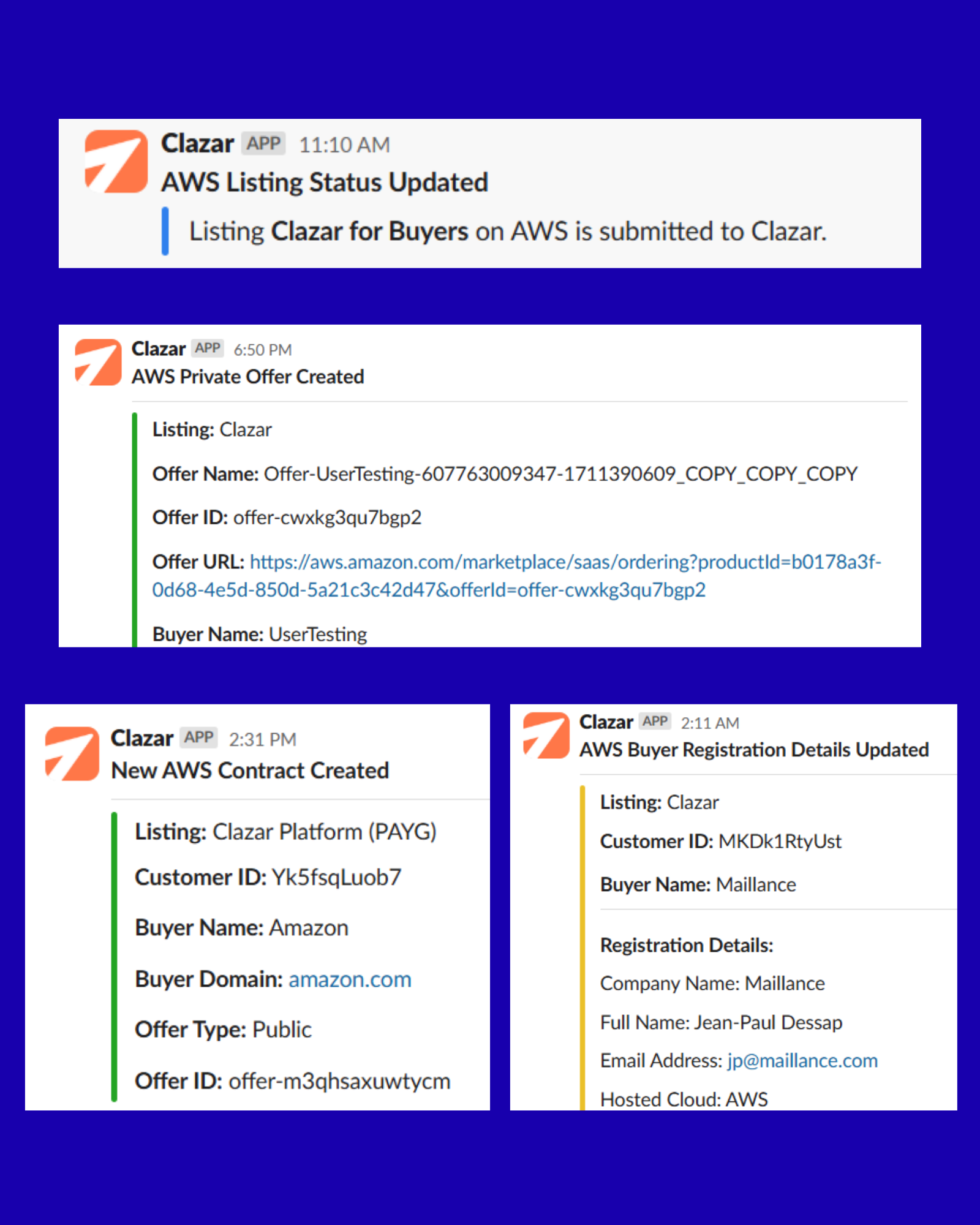
Permissions required by Clazar Slack App
channels:read: Get the info about public channels that the app is a part of.
groups:read: Get info about the private channels the app is a part of.
chat:write: Send messages to the channels that the app is a part of.
commands: Interact with the app using slash commands.
app_mentions:read: Interact with the app using app mentions.
How to Install
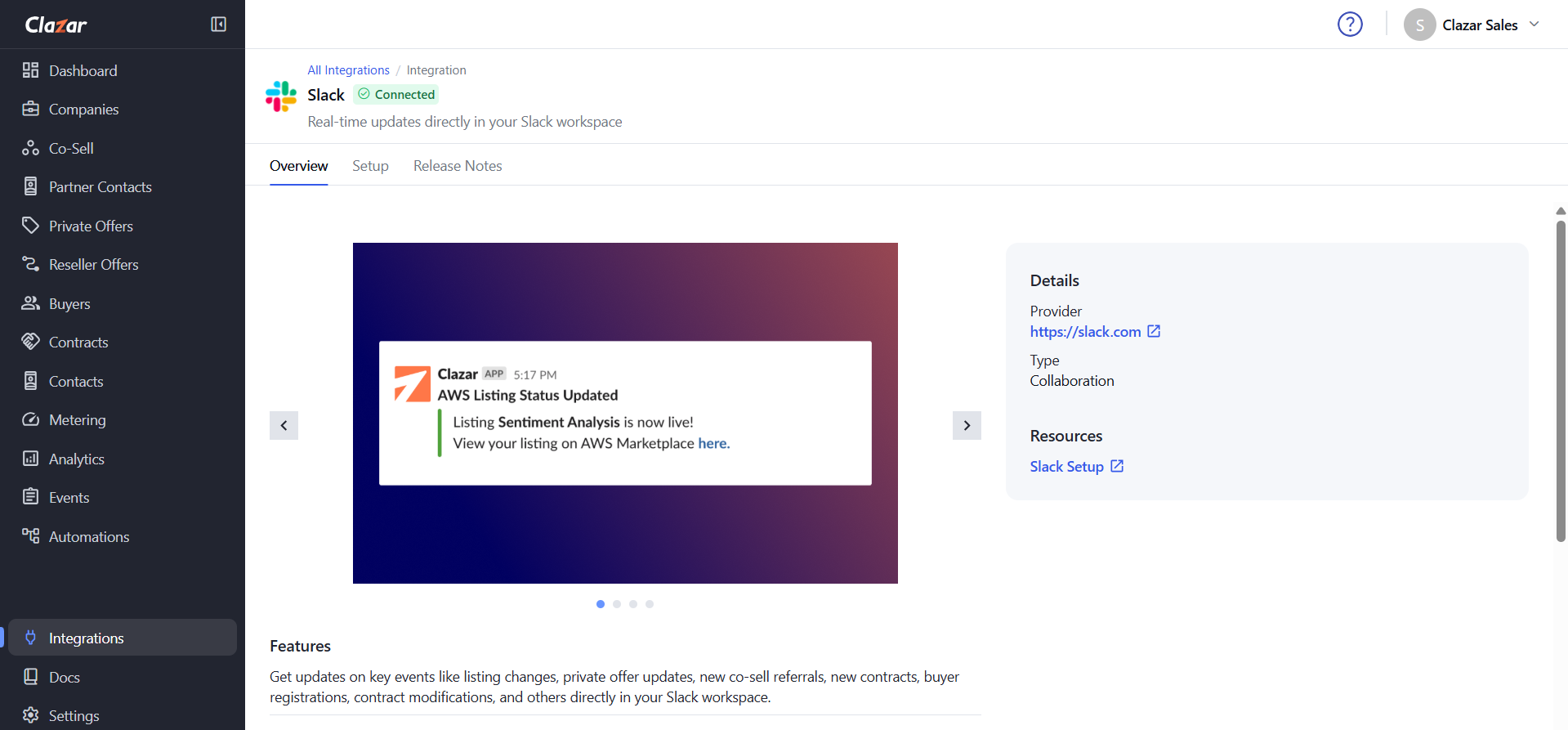
Navigate to Integrations -> Slack
Click on Add to Slack
Click on Allow

To ensure that you receive notifications from the Clazar Slack app in all the desired channels, execute the following command in each channel:
/invite @clazarHow to Disconnect
Sellers can go to Integrations -> Slack -> Setup and click "Disconnect" to disconnect the Slack integration.
Good to Know
Clicking on disconnect does not uninstall the Slack app from the seller's workspace.
Alternatively, sellers can uninstall the app from their Slack workspace.