End-to-End Workflow: AWS Marketplace Discovery to Service Activation
Last updated: October 28, 2025
Step-by-Step Summary
Discover SaaS Product → Review Listing Details → Request Private Offer → Sales/Up-sell Engagement → Seller Prepares Private Offer → Customer Accepts Offer → Access & Start Service.
Customer Discovers SaaS Listing
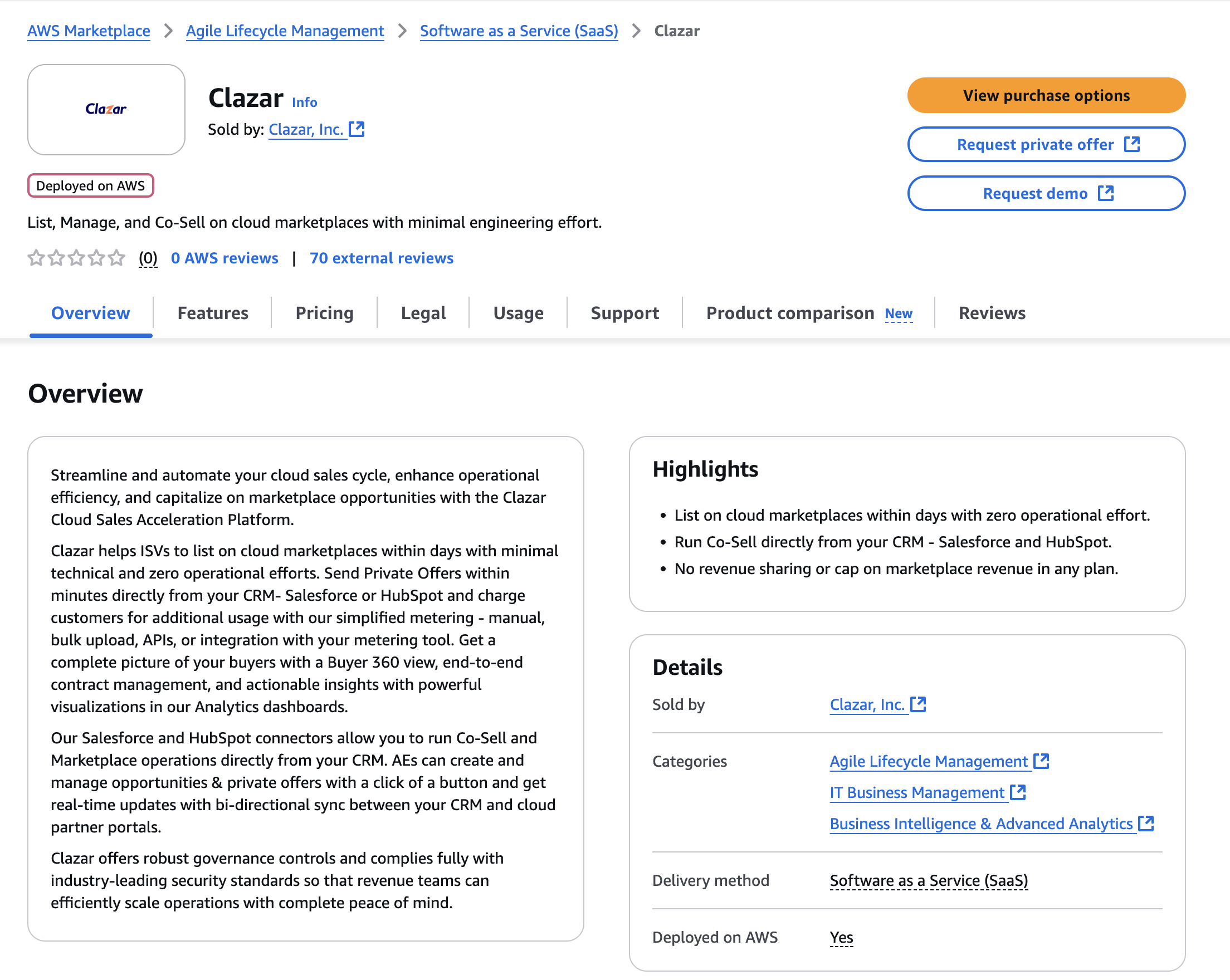
The customer browses AWS Marketplace and finds the SaaS product listing, which contains detailed metadata, product benefits, pricing, and fulfillment URLs leading to your registration or sign-up page.
Below is the Clazar’s listing in AWS Marketplace.
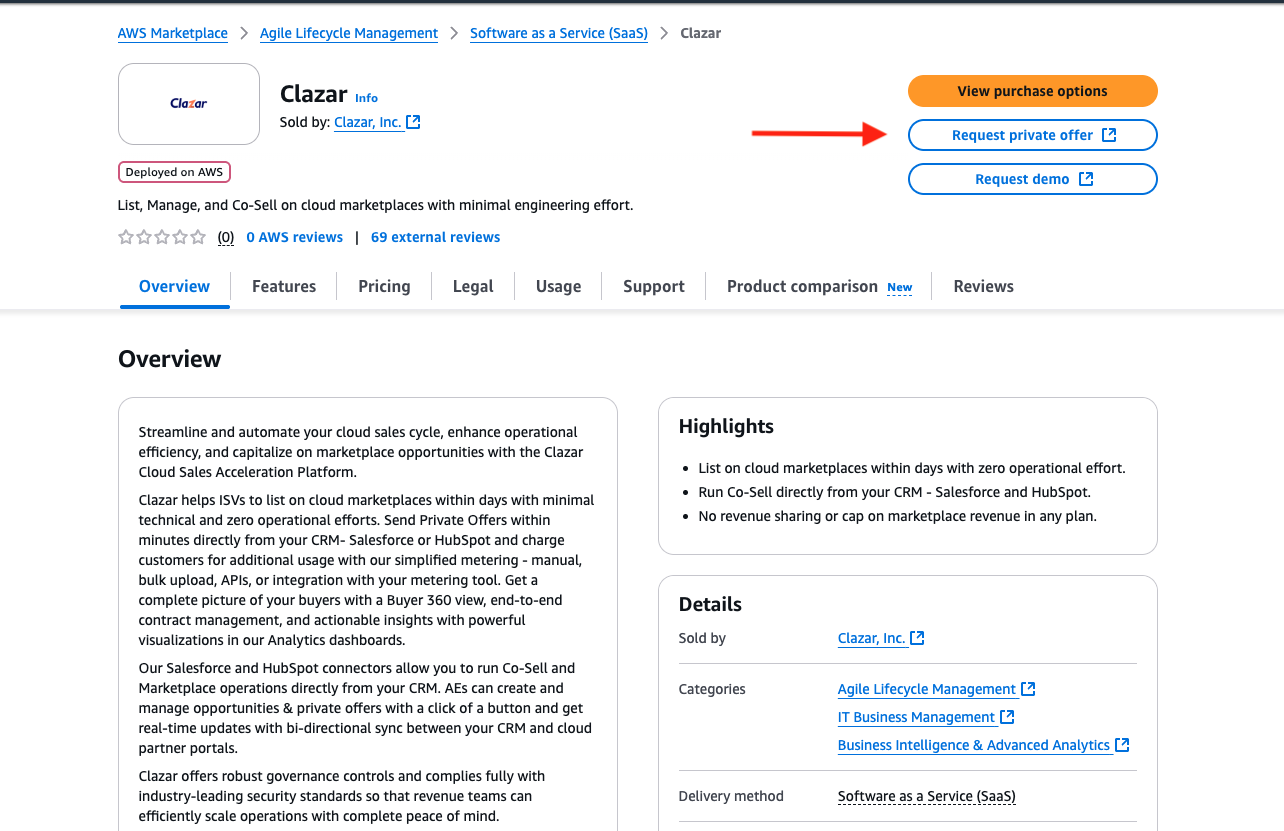
Customer Requests Private Offer
If interested in a customised offer, the customer can request a private offer (often via a dedicated button or by contacting the seller directly via email mentioned in description), signaling intent for custom pricing, contract, or EULA.
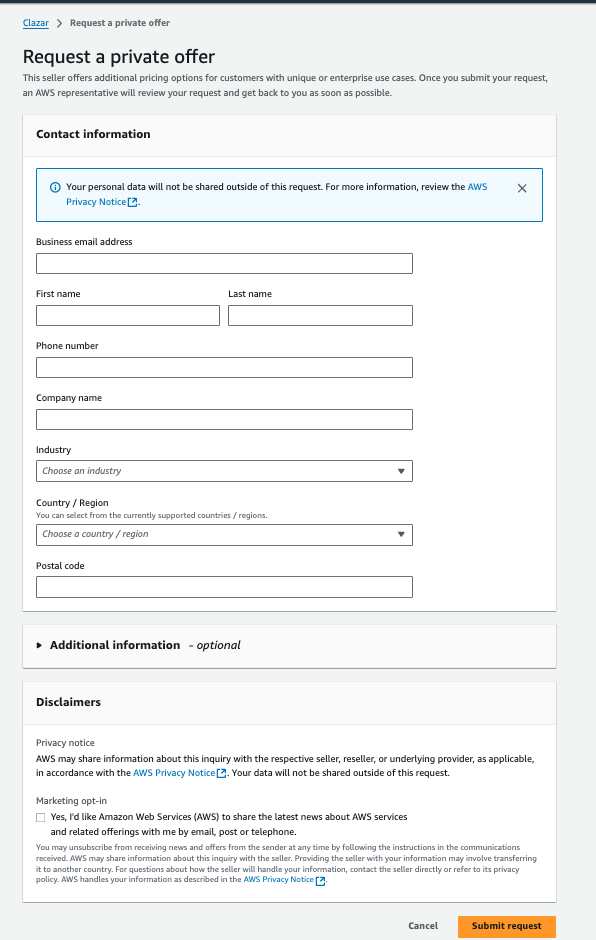
Once they click on “Request Private Offer” button, they are redirected to below page -
Sales Team Engages for Upsell
Upon receiving the private offer request via Email, the sales team contacts the customer using the info provided, offering custom terms, negotiating additional value, and possibly introducing up-sell opportunities such as premium tiers, longer commitments, or added features.
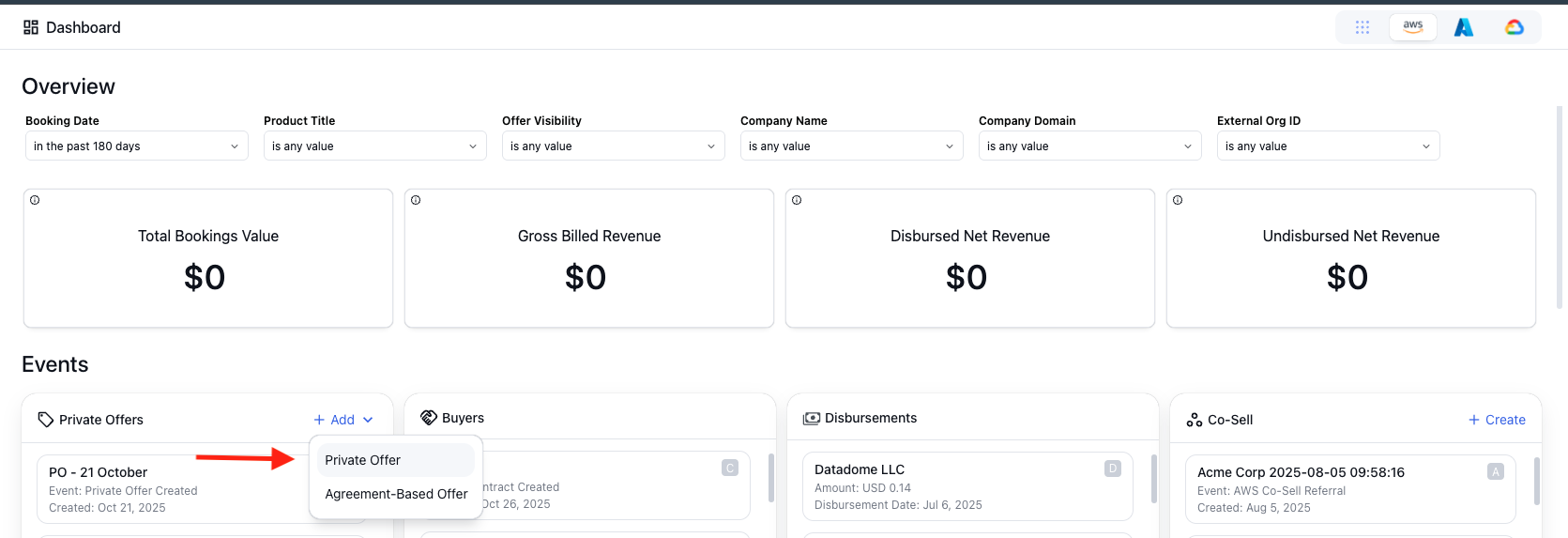
Seller Creates Private Offer
The seller uses the Clazar App to create a bespoke private offer detailing negotiated pricing, terms, and additional value, sending it directly to the customer’s AWS account.
Customer Accepts Offer and Subscribes
The customer reviews and accepts the private offer in AWS Marketplace, completing the subscription process and redirecting to your SaaS registration/sign-up page.
SaaS Service Provisioning
Upon agreement, the customer receives access to the SaaS service as per the contract, with AWS handling billing according to the private offer’s terms.