December 2025 Release Highlights
Last updated: January 7, 2026
Design roles that match your team’s exact access needs
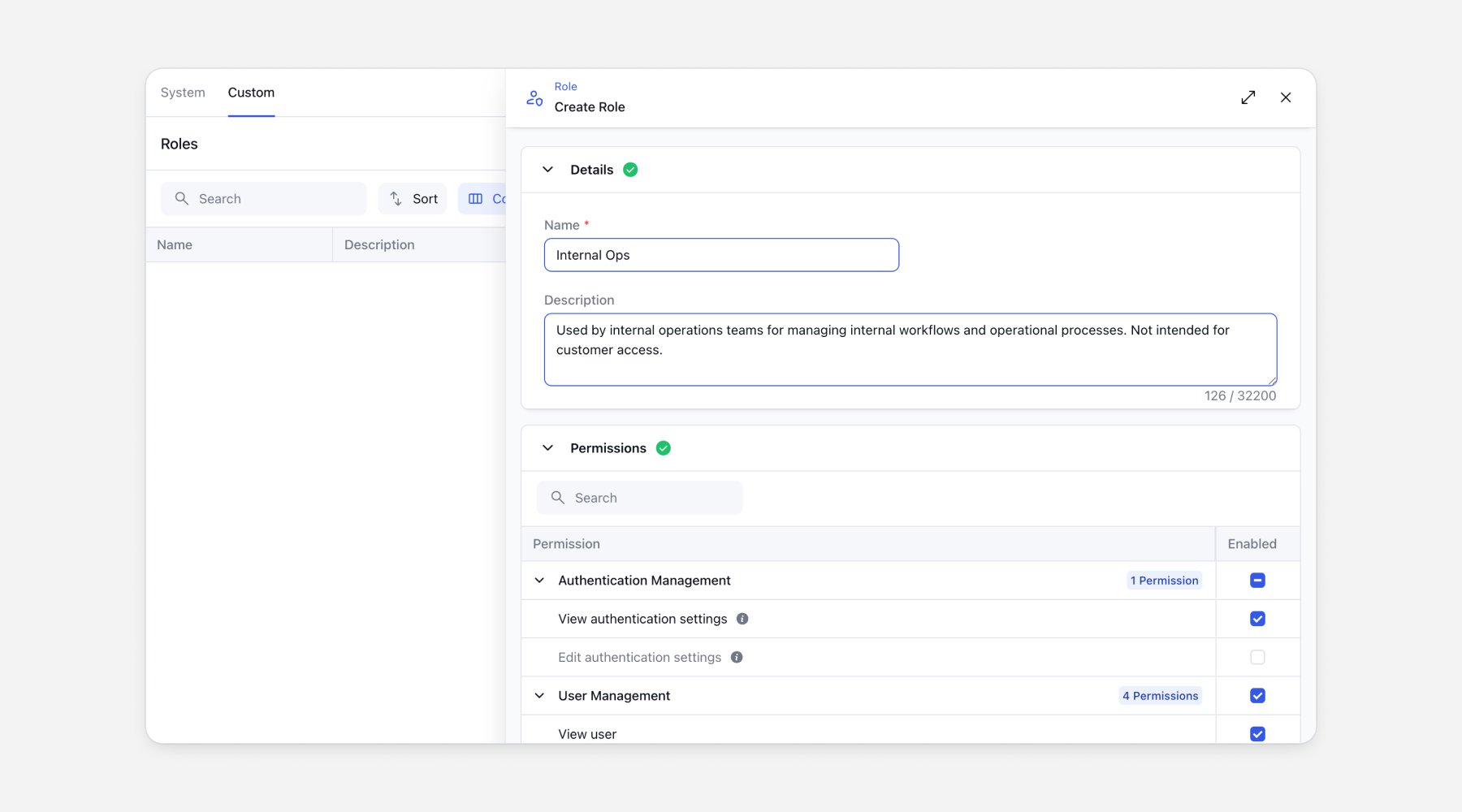
Clazar now supports custom role creation with granular access control. You can now manage roles under Settings > Roles, where roles are split into System Roles and Custom Roles. System roles, including Super Admin, Admin, Editor, Viewer, and entity-specific roles, now offer detailed permission visibility across various areas, such as user management, role management, listing management, private offers, and more.
With Custom Roles, you can create precise, enterprise-grade access controls by selecting any combination of available permissions. This makes it easy to tailor roles to real-world needs, such as creating a viewer role that can only export CSV reports without broader access.
Custom roles can be assigned to users directly and are also available during user invitations, alongside existing system and entity-specific roles.
This feature is available on request.
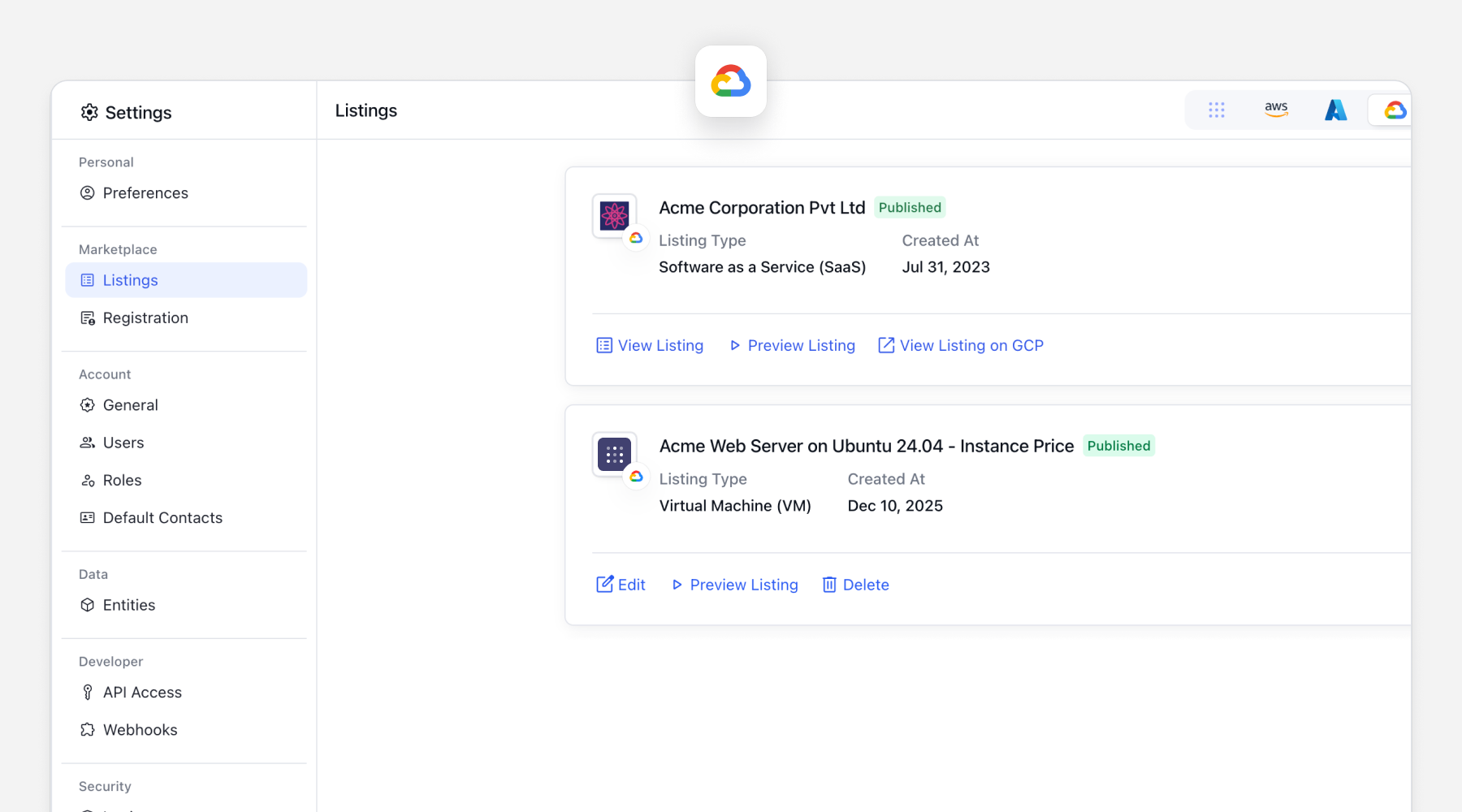
Manage GCP VM listings and private offers from Clazar
GCP VM Listings are now supported in Clazar, enabling you to manage listings, private offers, and deal workflows across your CRM and the Google Cloud Marketplace from a single platform.
With this launch, you can now:
Sync GCP VM listings directly with Clazar
Create GCP VM private offers from Clazar
Create GCP VM private offers from HubSpot with minimal field mapping (pricing is not supported yet)
Create GCP VM private offers from Salesforce with full field mapping
Track performance with built-in analytics
Write back custom objects to HubSpot and Salesforce for complete deal visibility
This capability brings GCP VM deals into the same streamlined, CRM-led workflows teams already use for other marketplaces, reducing manual effort and improving visibility across the funnel.
Never miss a Microsoft co-sell lead with inbound referral flows
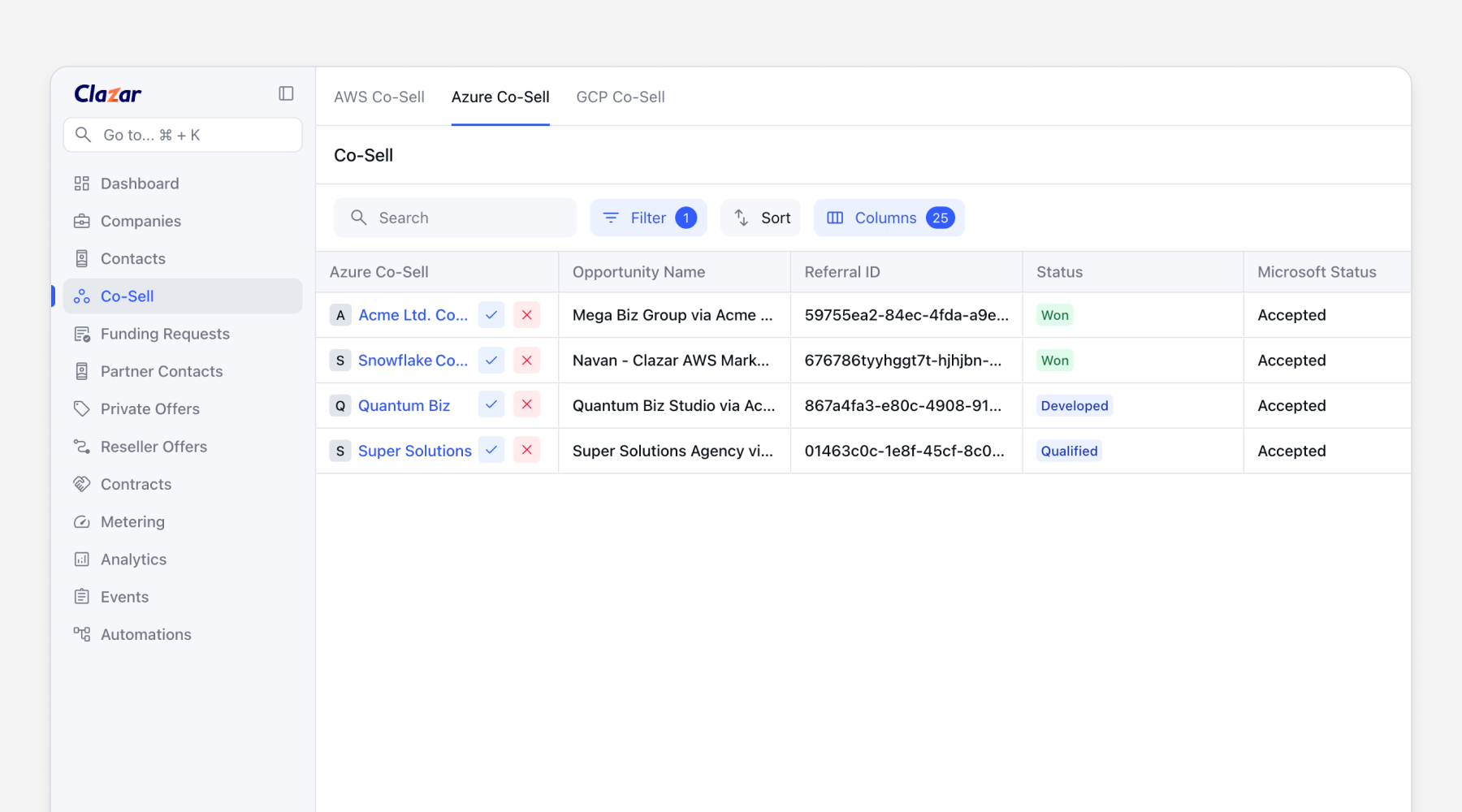
Clazar now supports inbound referrals for Azure Co-Sell, allowing you to manage Microsoft-sourced opportunities directly within your existing workflows.
With this update, you can:
Accept or reject Microsoft inbound referrals directly in Clazar
Automatically create downstream CRM objects such as leads or opportunities
Write back Microsoft contact data via JSON into the Azure Co-Sell Opportunity custom object
This ensures inbound referrals move smoothly from Microsoft to your CRM without manual handoffs, improving response times and deal visibility.
All new AWS co-sell opportunity creation experience
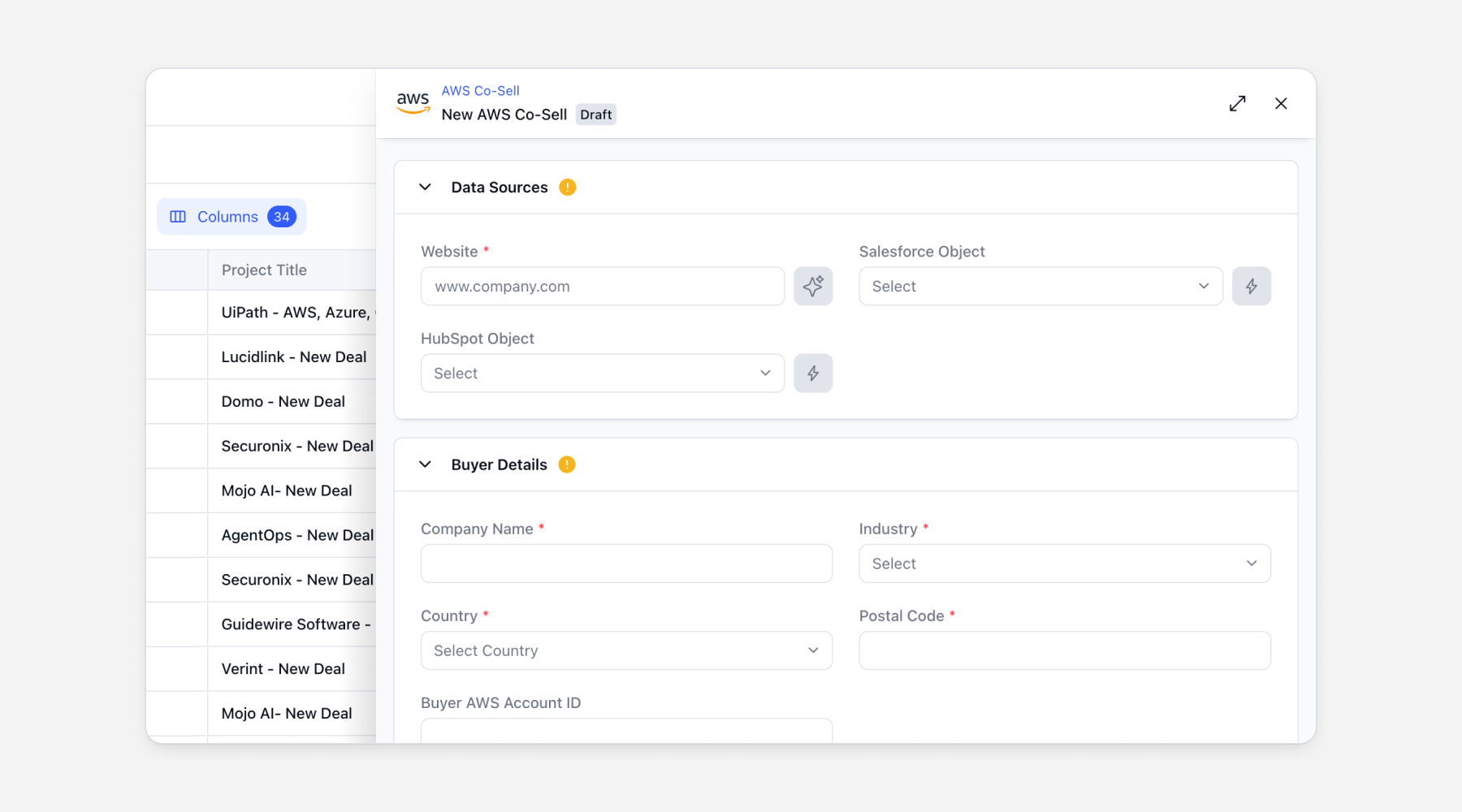
Experience a refreshed creation experience for AWS co-sell opportunities, designed to make opportunity setup faster, clearer, and more intuitive.
The new experience features a redesigned, sectioned form that guides users through each stage of opportunity creation, including data sources, buyer details, project details, marketing information, contacts, ownership, and custom properties. Each section clearly indicates completion status, making it easy to see what is required before publishing.
Users can now select a data source such as a website or CRM object, allowing relevant fields to be auto-filled. Field-level source indicators show exactly where each value comes from, including the specific Salesforce record or system defaults, improving transparency and trust in the data. Mandatory fields are tracked at a section level, and the Publish action remains disabled until all required information is complete.
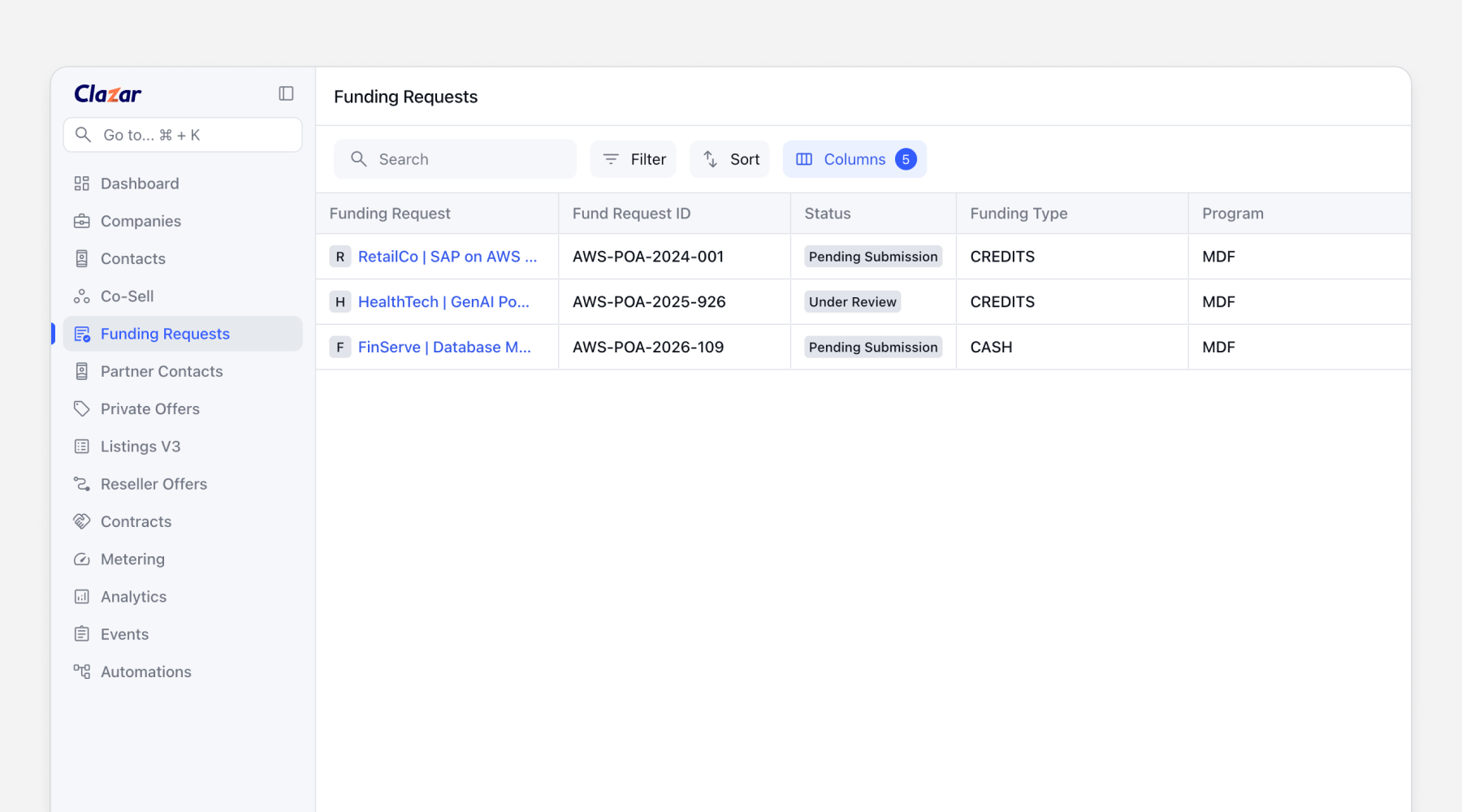
AWS Funding Portal Integration with MDF Support
Clazar now supports the creation and management of AWS MDF funding requests directly from the Clazar console, integrated with the new AWS Partner Central 3.0 Funding Dashboard.
With this release, partners can create Standard Market Development Funds (MDF) requests without leaving Clazar, streamlining funding workflows and reducing manual effort.
What’s included:
Create MDF funding requests directly in Clazar and sync them to AWS
Support for both Credit-based and Cash-based MDF requests
Ability to add multiple cash claims within a single MDF request
Built-in validations for dates, amounts, and claim structures
Automatic generation and retrieval of AWS Funding Request IDs
We will add support for additional AWS funding types in the future based on customer feedback.