HubSpot
Last updated: June 25, 2025
Clazar's HubSpot integration empowers sellers to effortlessly generate co-selling opportunities and exclusive private offers within their HubSpot. With the simple click of a button, sellers can create, modify, and link HubSpot deals to co-sell opportunities, streamlining the process and maximizing efficiency.
How to Install
Installation should ideally be performed by a HubSpot user with admin access.
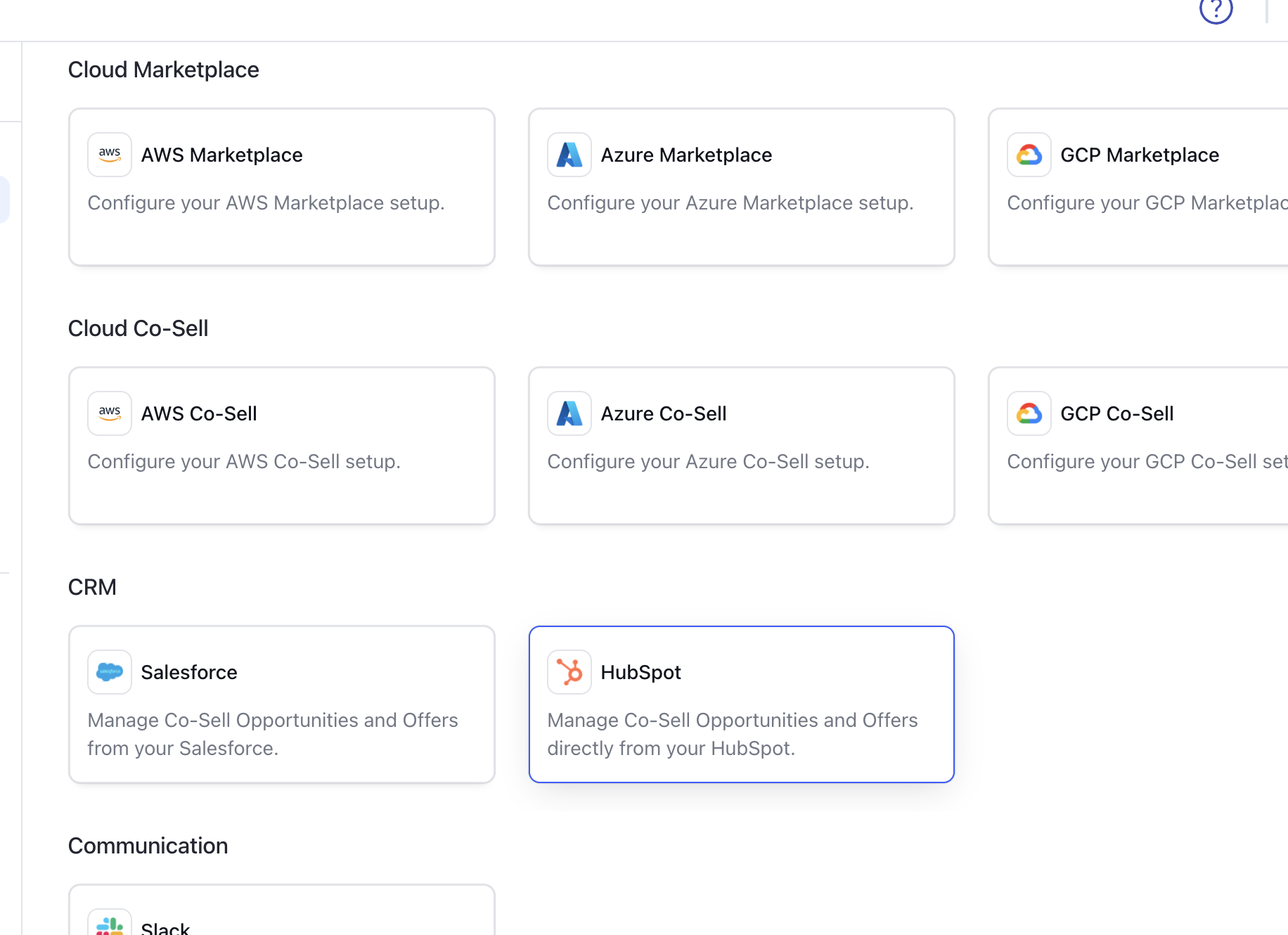
Navigate to Integrations -> HubSpot
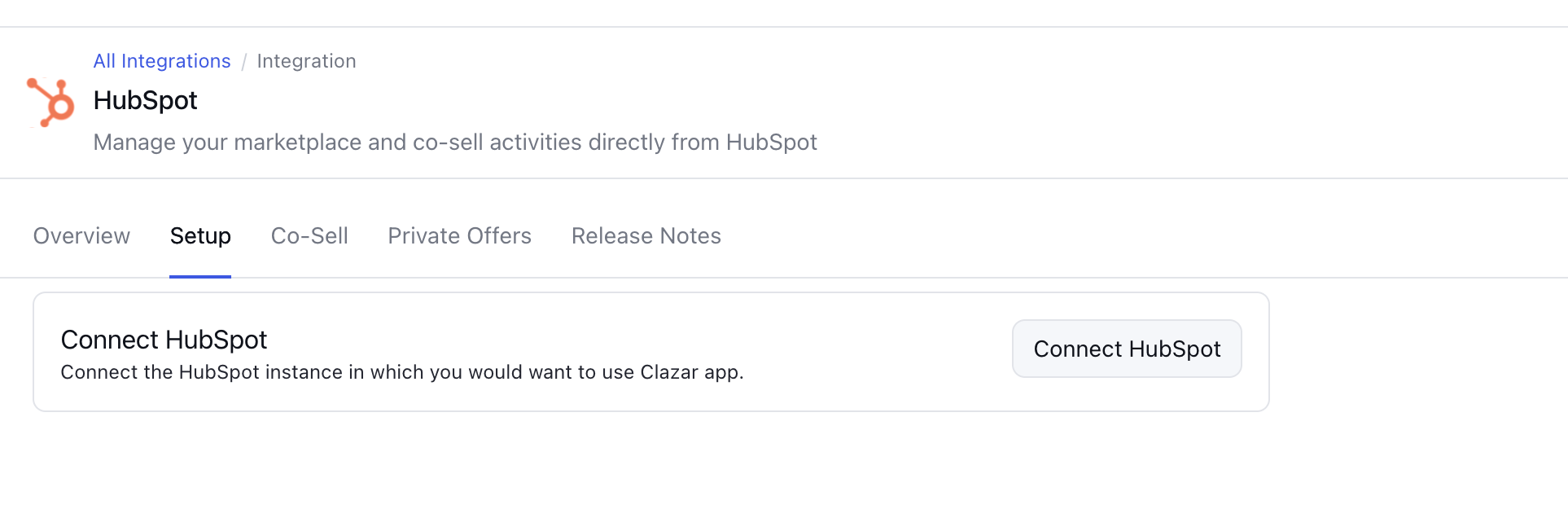
Click on Setup -> Connect Hubspot
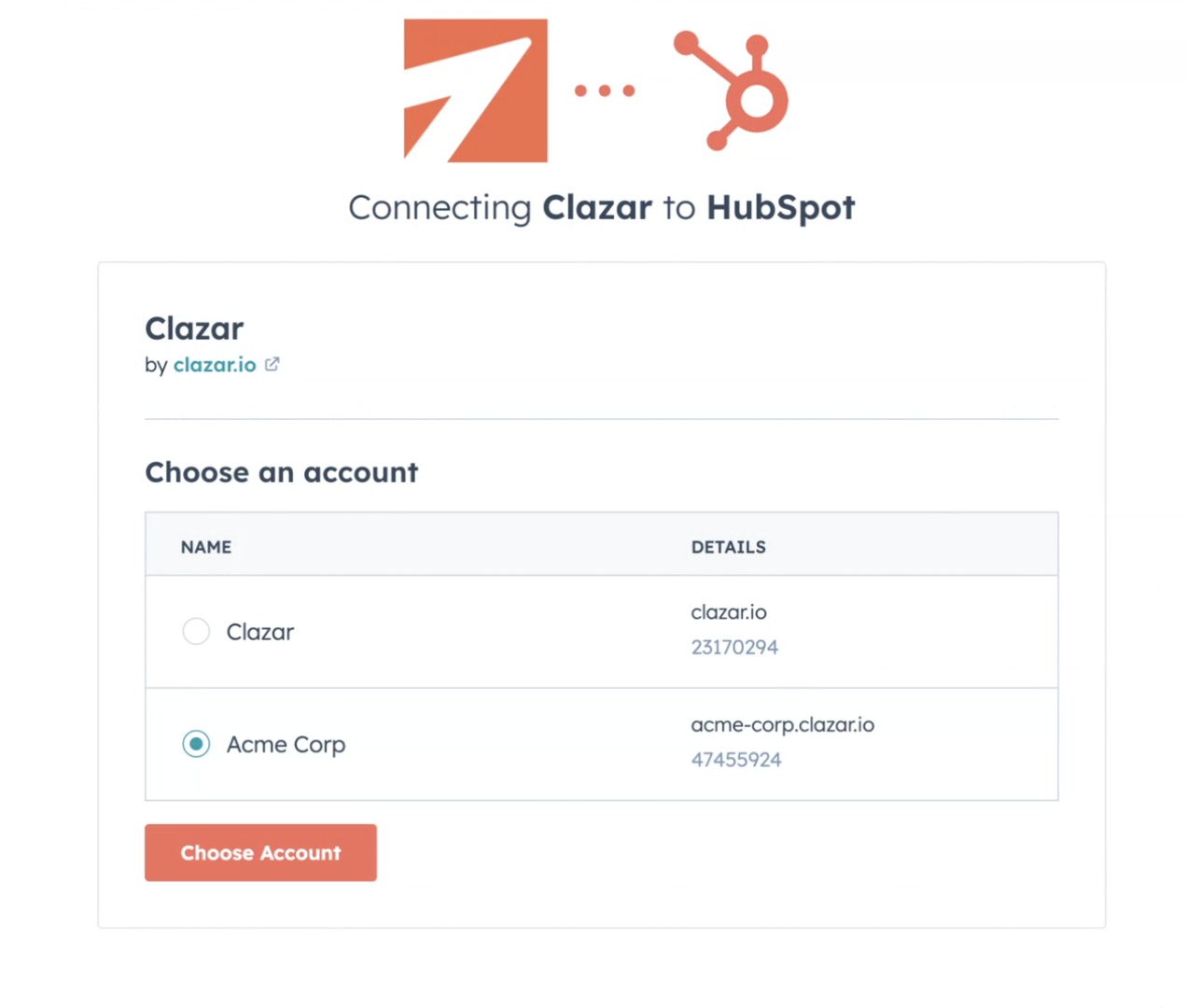
Select the account in which you want to install the app.
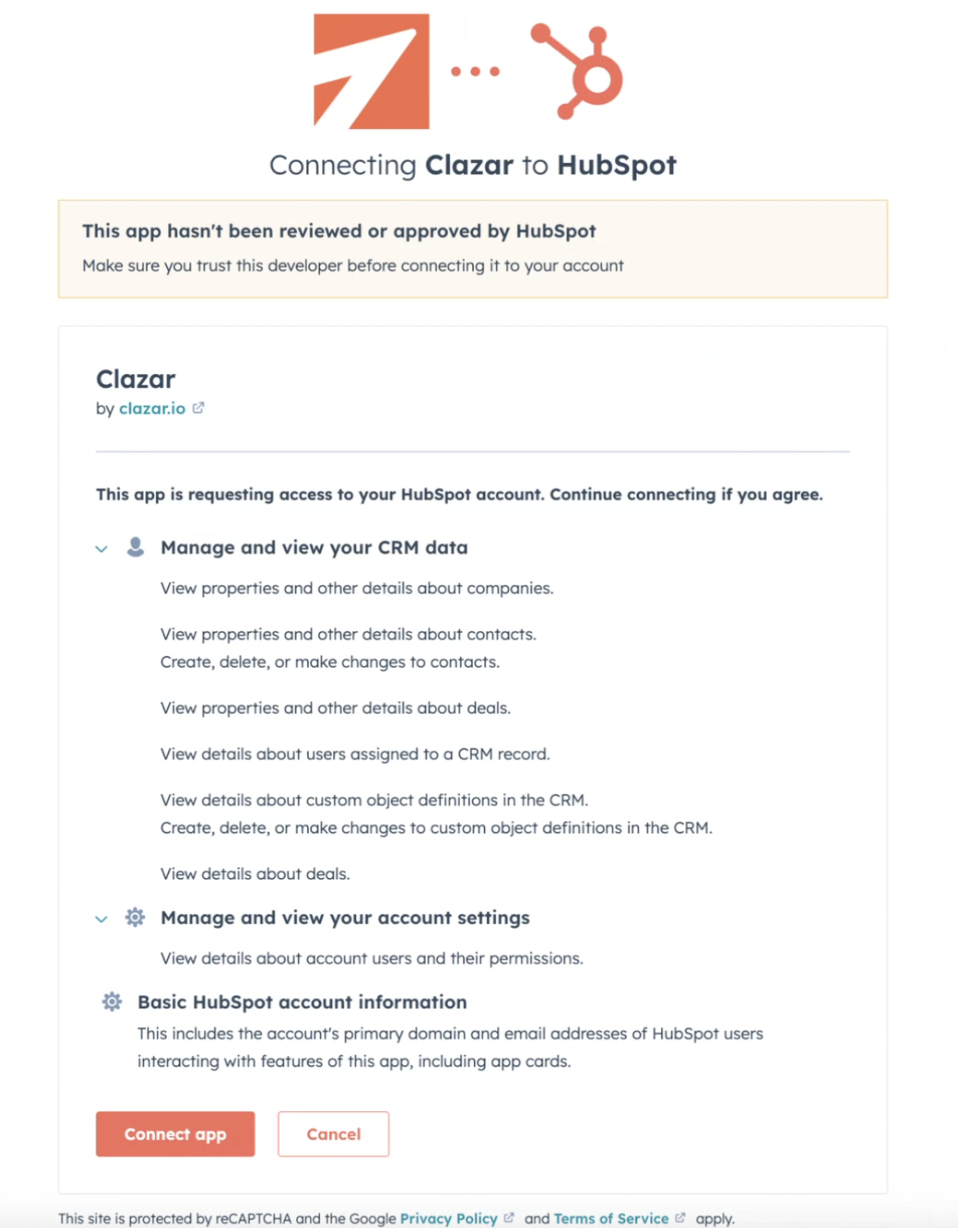
Review the permissions and click on the Connect app
After successful completion, you will be redirected to the Clazar app.
After installing Clazar's HubSpot app, sellers will see a CRM card on the right of all deals, which they can use to access co-sell opportunities and private offers.
Permissions
Object | Permission Type | Reason | Scope(s) |
Deal Records | Read | Reading properties of deal records while creating co-sell opportunities | crm.objects.deals.read |
Deal Schema | Read | Reading Deal schema for facilitating fields mapping | crm.schemas.deals.read |
Custom Schema | Read/Write | Creating and modifying custom object inside seller's HubSpot account | crm.schemas.custom.read crm.schemas.custom.write |
Company Records | Read | Reading information about the companies associated to the deal. | crm.objects.companies.read |
Contact Records | Read | Reading information about the contacts associated to the deal. | crm.objects.contacts.read |
Connect Clazar user to HubSpot
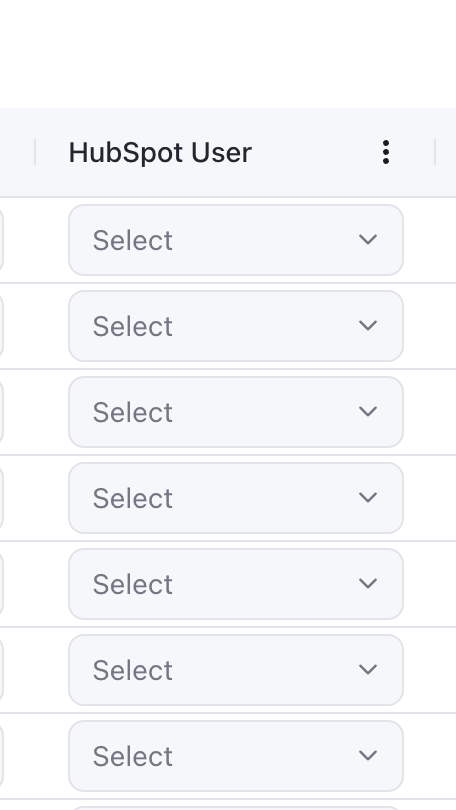
To ensure users can access the Clazar Widget within Hubspot, each Clazar user must be mapped to their corresponding Hubspot user.
This configuration can be managed under Settings > Users > Hubspot User column.
Note: Only active Hubspot users are eligible for mapping in Clazar.
Disconnect
The seller can disconnect the app by clicking on Disconnect App.
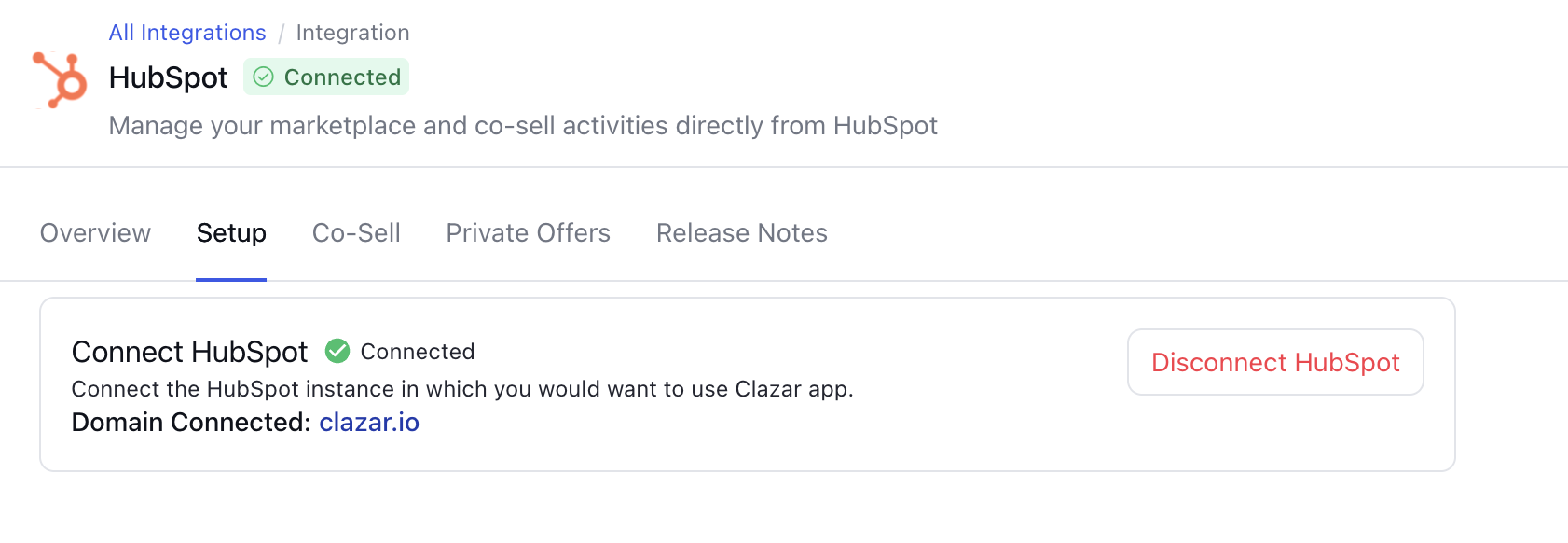
Disconnecting the app from Clazar instantly deletes all app credentials. Users should delete the app from their HubSpot account for full uninstallation.
All mappings will be lost upon connecting to another HubSpot account, and permanently deleting old records.
Frequently Asked Questions (FAQs)
What is the primary purpose of Clazar's HubSpot integration?
Clazar's HubSpot integration empowers sellers by enabling them to create co-selling opportunities and exclusive private offers directly within their HubSpot account. This integration simplifies the process, making creating, modifying, and linking HubSpot deals to co-sell opportunities easy.
How can I access the co-sell opportunities and private offers within HubSpot?
After installing Clazar's HubSpot app, you will find a CRM card on the right side of all your deals. This card provides access to co-sell opportunities and private offers, allowing you to manage your co-selling efforts seamlessly.